Appearance
ACN Help Center
ACN helps merchants manage post-purchase promotions and marketplace advertising from one workspace. Use these guides to install ACN, create your first store promotion, launch outgoing campaigns, manage incoming marketplace offers, and review results.
Who this Help Center is for
These guides are for merchants using ACN inside a Shopify-connected workspace. They focus on what you can do in the merchant UI, not developer setup or internal implementation details.
Start here
- Getting Started — install ACN, complete Shopify setup, create your first store promotion, and launch your first outgoing campaign.
- Incoming Ads — manage marketplace offers, marketplace protection, earnings, and withdrawals.
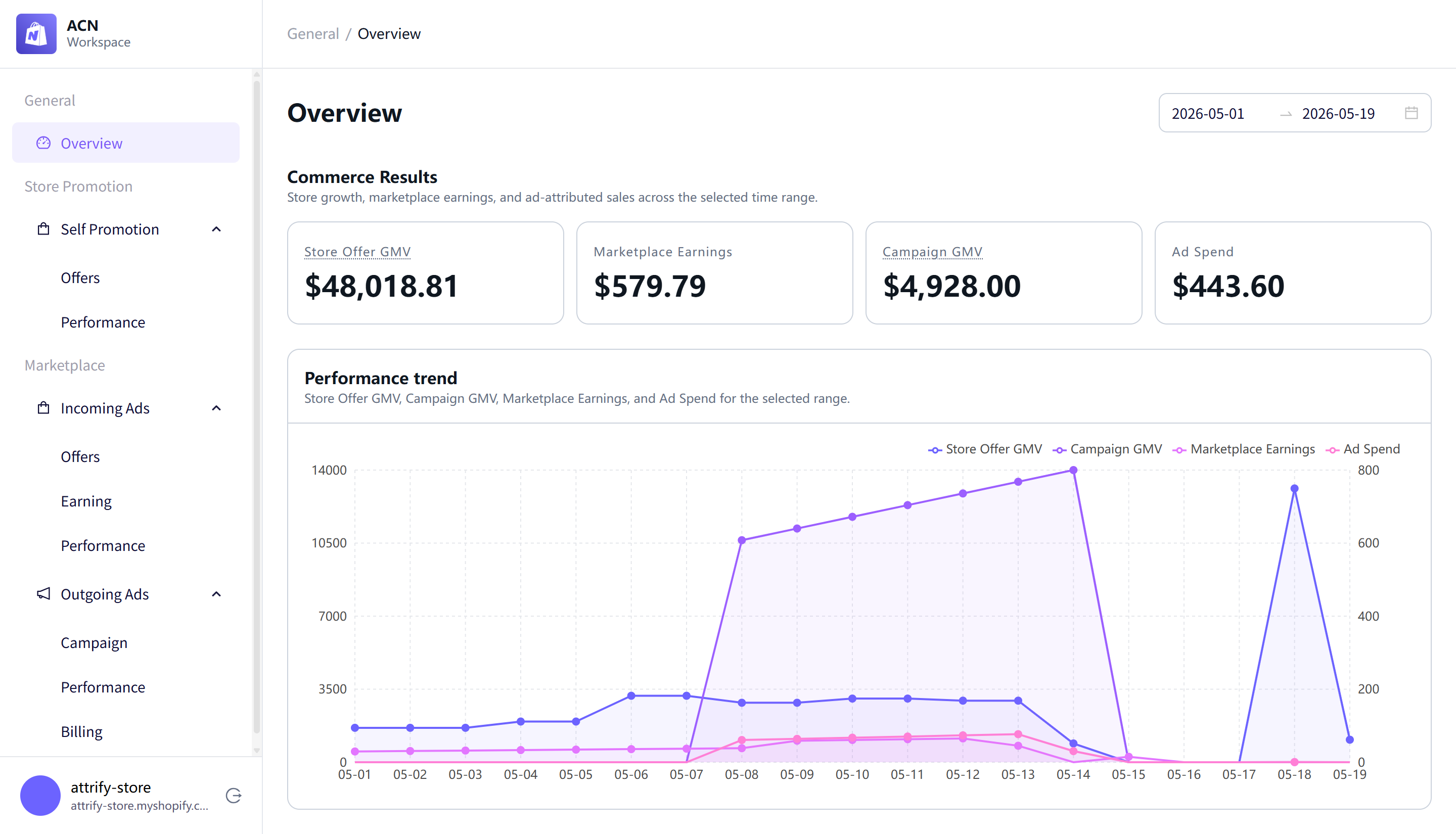
- Reporting — review overview metrics, store promotion performance, incoming ads performance, campaign performance, and billing activity.
Recommended reading path
- Start with Getting Started to install ACN and complete Shopify setup.
- Create your first store promotion with Quickstart Guide to Store Promotion.
- Review Incoming Ads if you want to show marketplace offers and earn revenue.
- Create your first outgoing campaign with Quickstart Guide to Campaign.
- Use Reporting to monitor performance, billing activity, and earnings after offers or campaigns are active.
Notes and limitations
- Some setup shortcuts open Shopify settings, the Shopify theme editor, or setup guides outside ACN. Use those in-app links when you are ready to complete Shopify setup.
- Withdrawal requests should be submitted only when you are ready to request funds from your available balance.